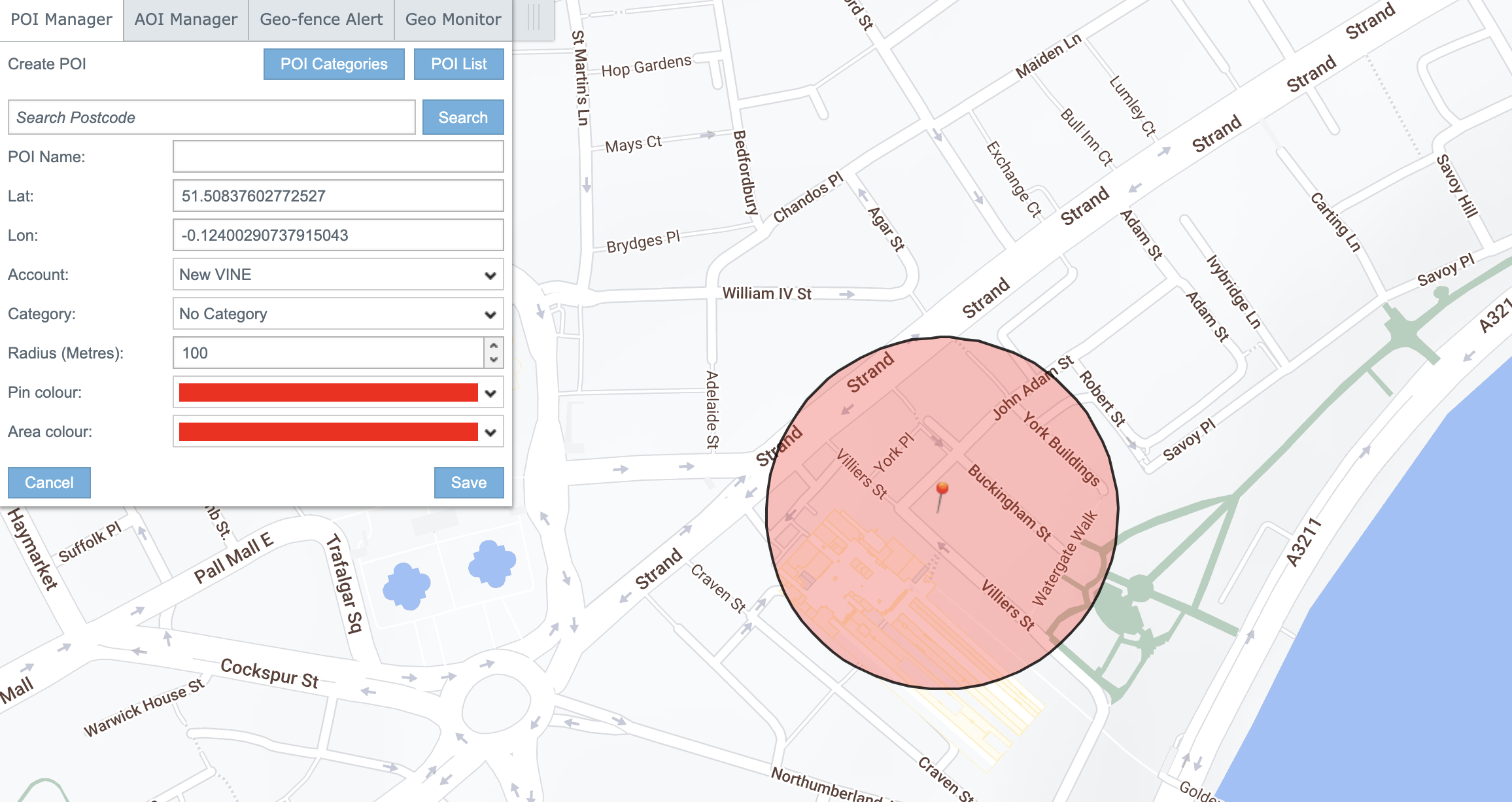
Point of Interest (POI)

How to create a Point of Interest (POI)

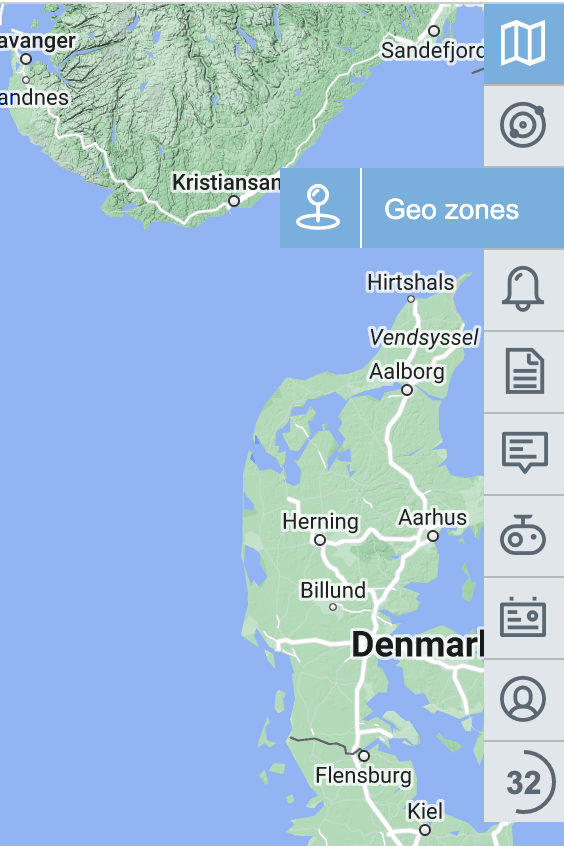
  1. Open Geo zones


  2. Move circle by clicking on the map.


    Or enter Postcode in search field and press button Search
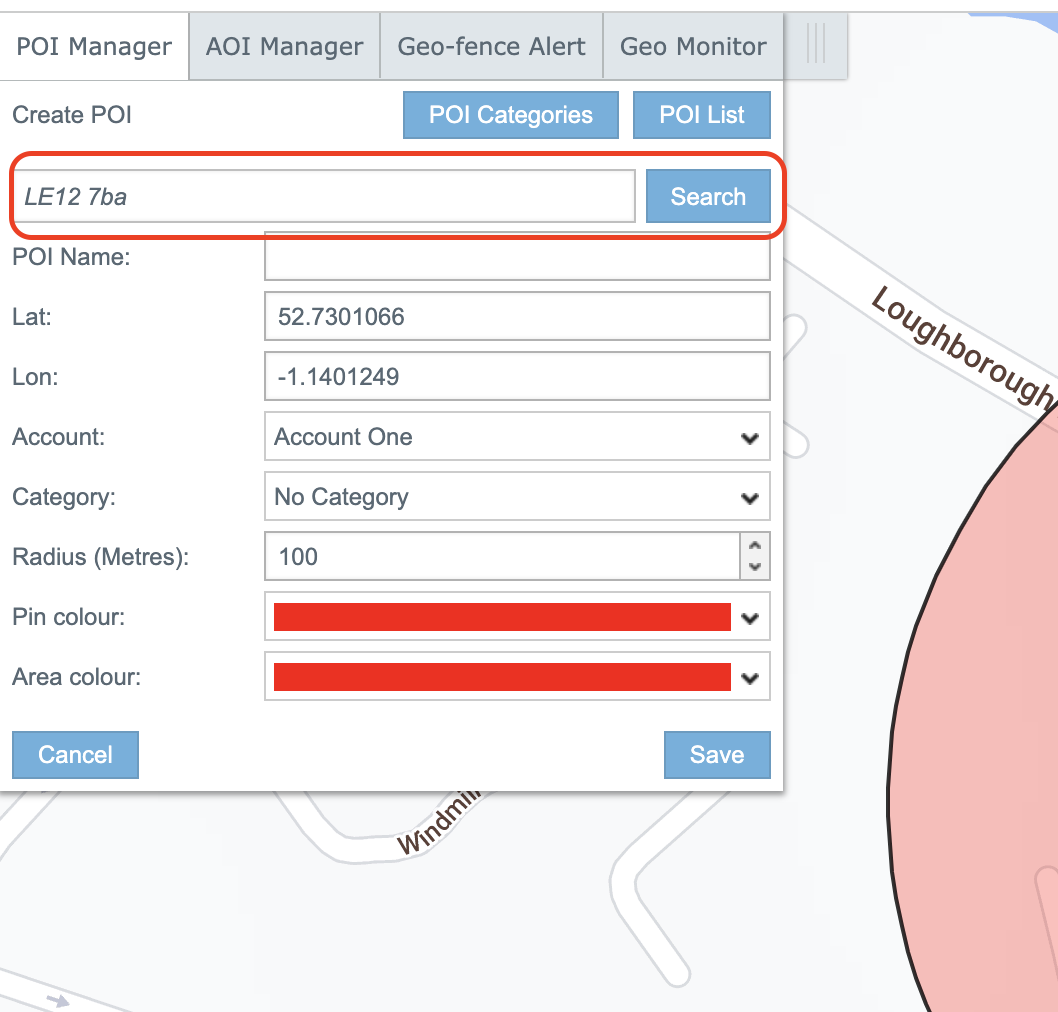
Select a location from the list of search results
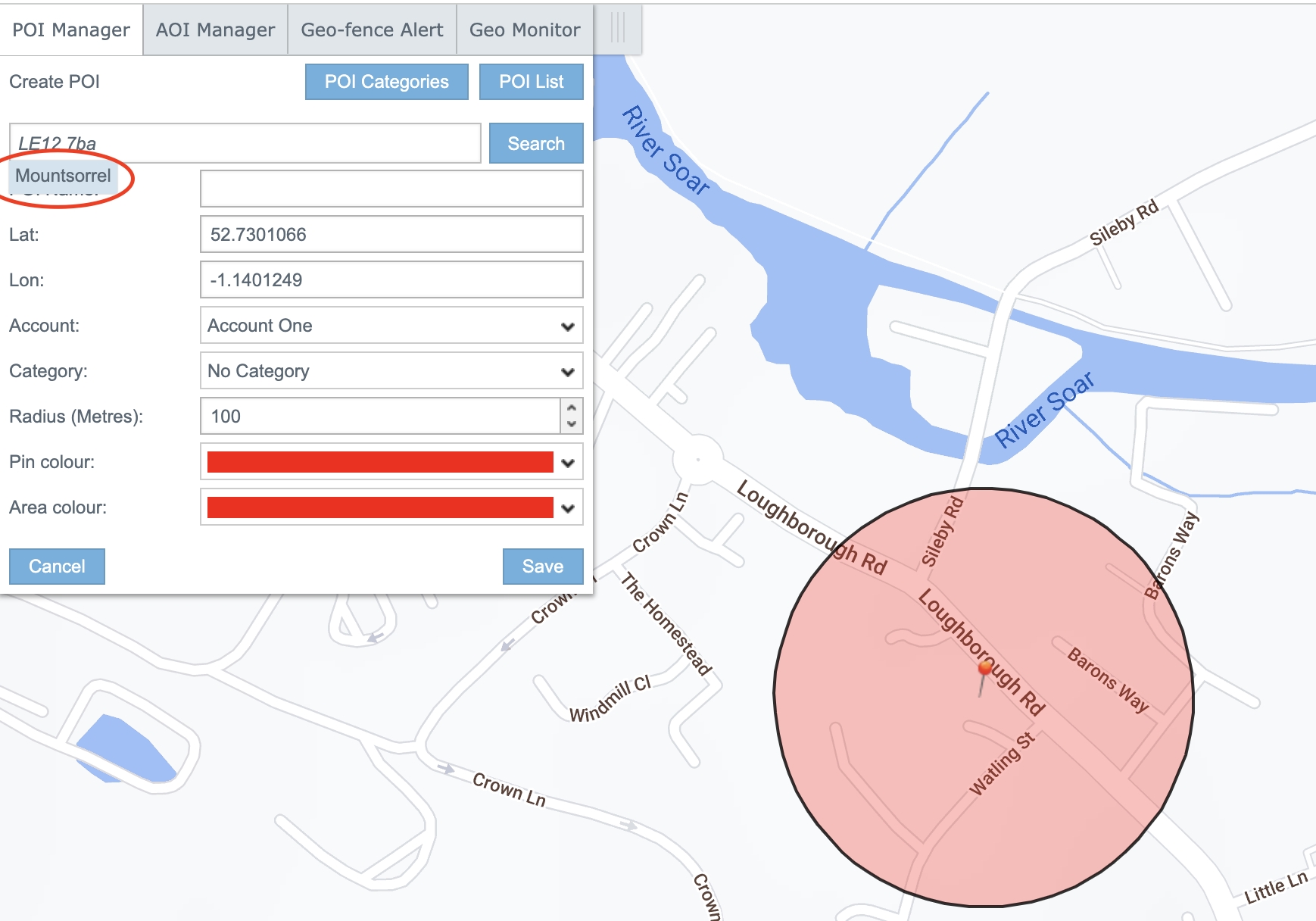
3. Enter POI name.
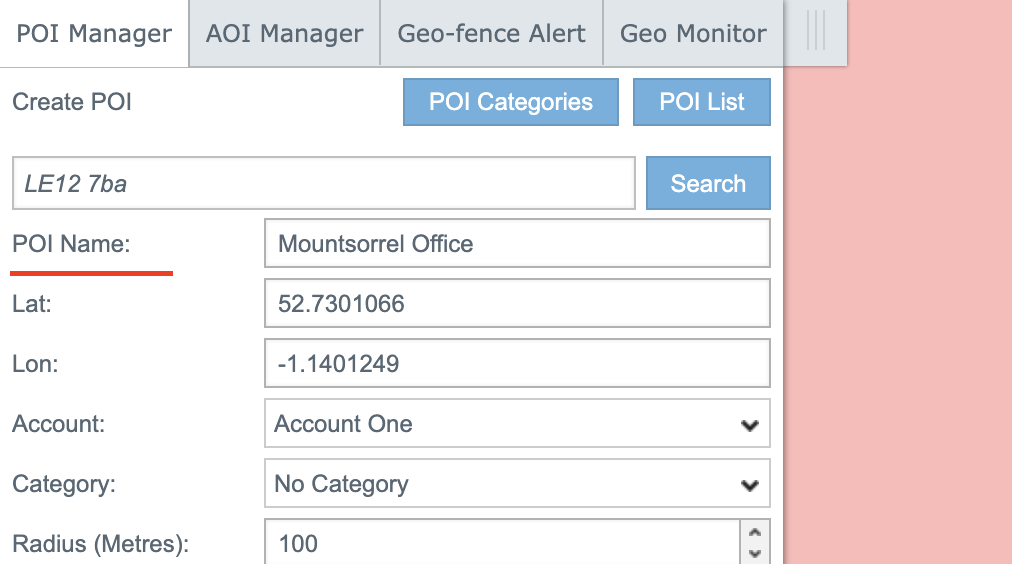
 

4. Select Account and change Radius if it needed.
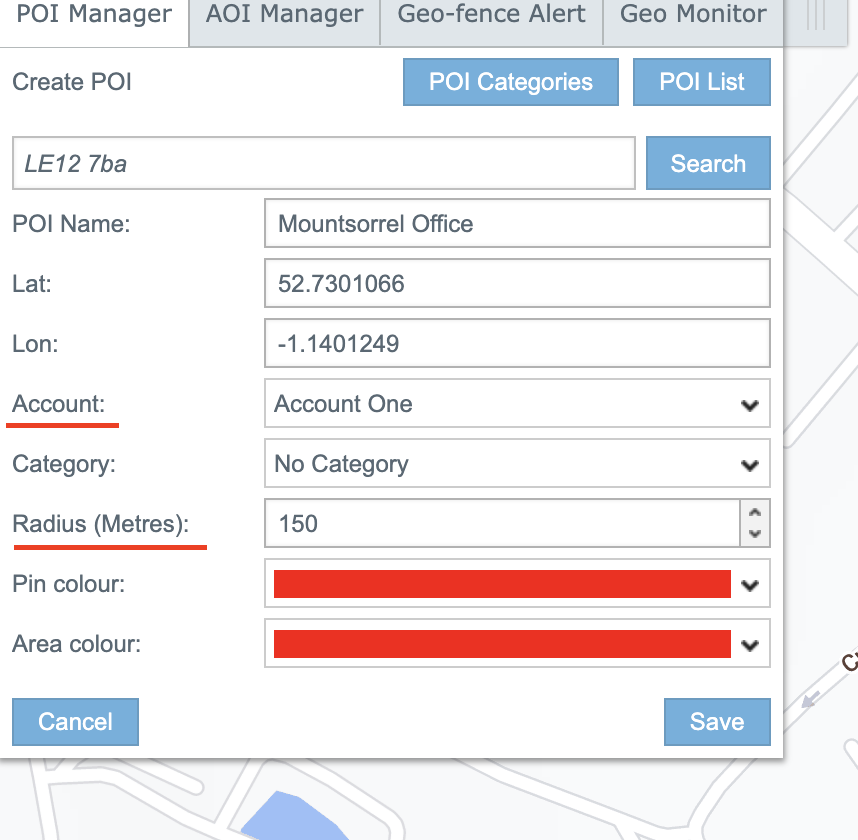
5. Click "Save"

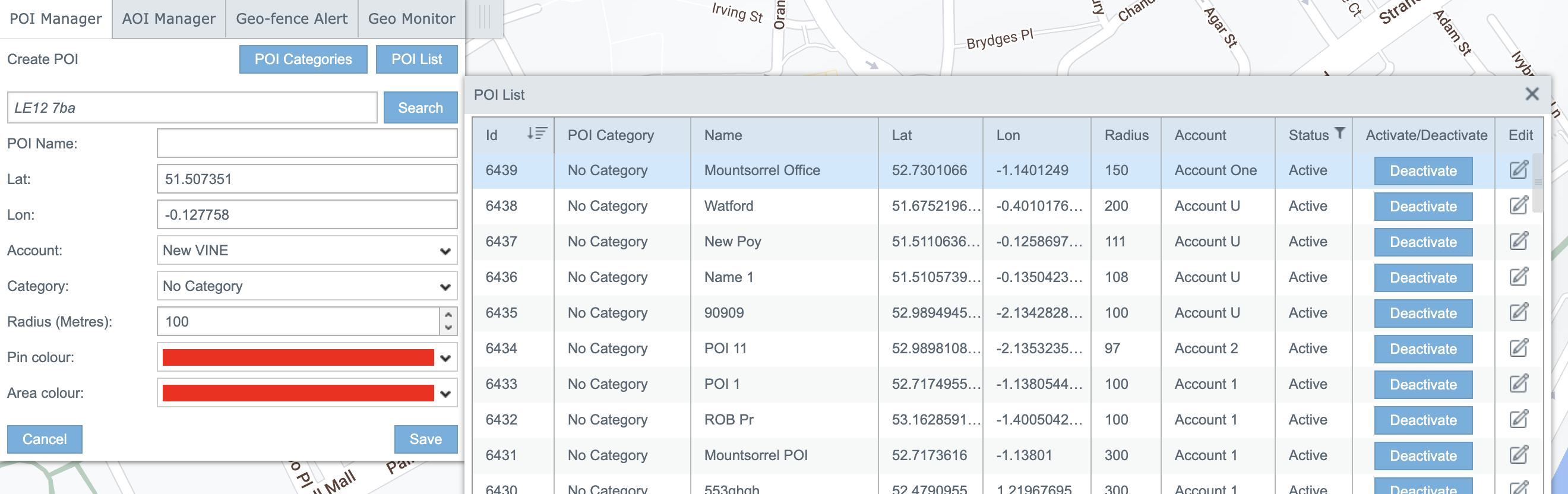
6. Just created POI you can find in POI List
We are ready to work with you!

If you have any general inquiries, sales-related questions, or press inquiries, please provide us with
your contact information below. We will promptly get back to you to assist you further.

United Kingdom

Monday — Friday, 9am — 5pm ET